

From question to source
Which catalogue fits your search?
Choose your goal. This tool does not query catalogues: it helps you decide what to search, what to record and whom to contact next.


Identify an edition
Compare author, title, translator, publisher and ISBN with the book itself.
Check next: A record describes a publication; it does not confirm shop stock.
Locate a heritage or local collection
CCFr — Catalogue collectif de France ↗
Find a document or collection, then record the holding library and shelfmark.
Check next: Ask the library about access conditions and retrieval time.

Find an academic reference
Compare records and check holdings in higher education libraries.
Check next: Digital access may depend on your institution or access rights.
Read a digitised document
Gallica — BnF et partenaires ↗
Check page images, title and date for the selected document.
Check next: OCR can contain errors. Online access does not grant permission to reuse a document.
To buy a book, give the reference to your bookseller and wait for confirmation of availability and collection. Library holdings follow that institution’s access rules.
Coverage checked with BnF, the CCFr, Abes and Gallica · 27/10/2026.
Choose a record or a digital document
The BnF general catalogue describes documents; Gallica provides access to digitised documents. Start in Gallica for immediate consultation of an older edition. If nothing suitable appears, a catalogue can identify holdings that are not available online. A partner result may lead to that institution’s own consultation site.
Compare editions before reading
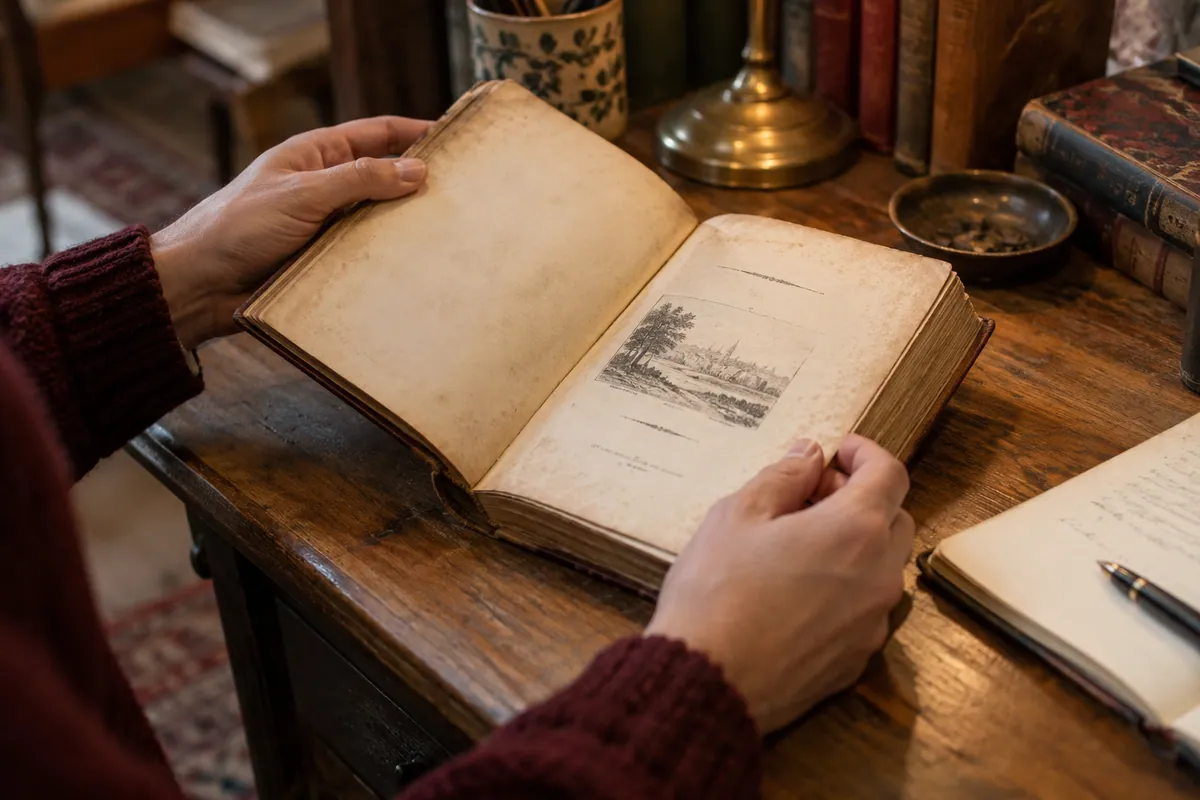
Record full title, author, publisher, year, language, translator and illustrator. Check the title page in the images. A reissue may change notes, engravings or volume divisions. If you need a quotation or map, confirm that the relevant part is in this edition before searching through the whole document.
Search text, then check the image
Where OCR is available, search a distinctive name or word. Recognition can misread old type, columns and damaged characters. A missing text-search result does not establish that the word is absent. Use contents and indexes too. Verify the actual scanned page before copying a quotation.
Distinguish digital views and printed pages
Initial images may show a cover, endpaper or unnumbered page. The viewer’s image number need not match printed pagination. Record both when useful, along with the volume. For a folding plate, check the whole figure and legends. Keep a permanent document link and a view link where available.
Prepare the next search
If consultation meets the need, save the reference in your notes. To buy, give author, title, publisher, date, volume and document link, and state whether a reprint is acceptable. The scan does not describe the condition of a different copy for sale. Check reuse terms separately: viewing, downloading and republishing are different questions.